

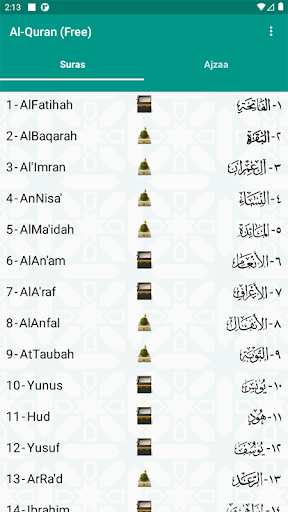
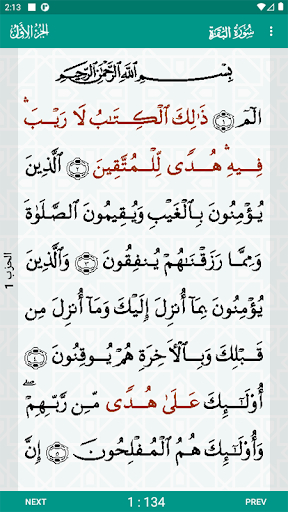
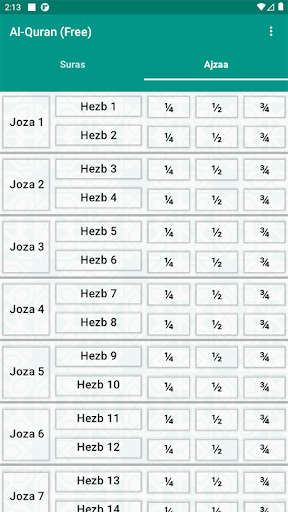

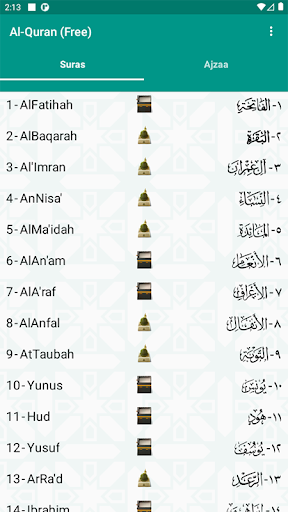
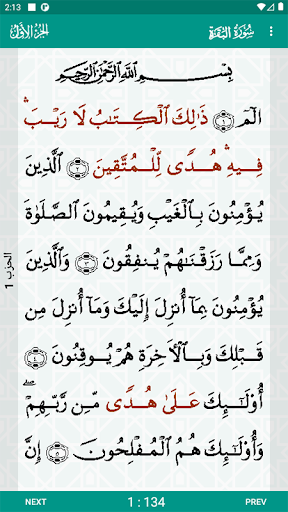
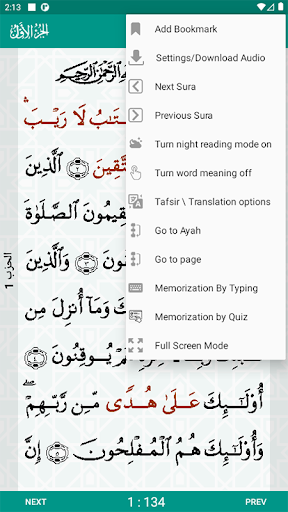
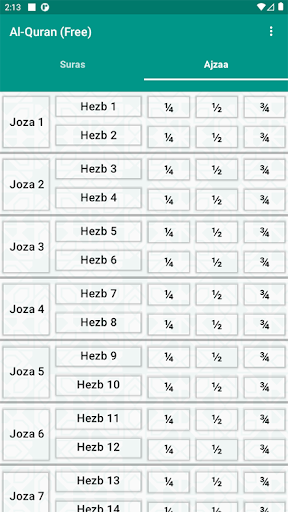

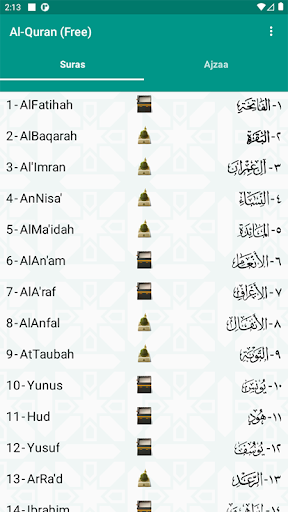
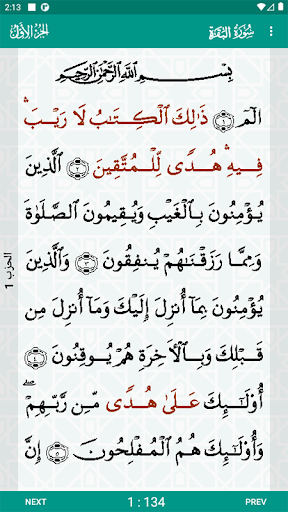

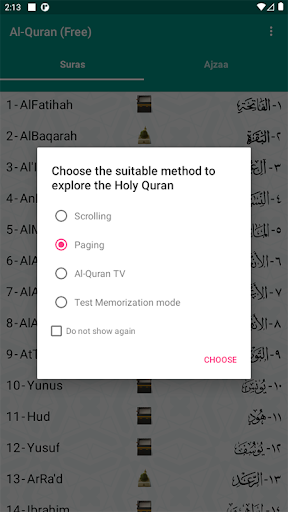
The Al-Quran (Free) app offers a comprehensive digital platform for engaging with the Holy Quran. Users can read the sacred text presented in an Othomani font, similar to that found in printed copies, and navigate through its content by Suras or Ajzaa. A distinctive feature is the ability to listen to recitations from a selection of sixteen different reciters, supporting various learning and study methods. The app also provides tools for understanding, such as displaying meanings of difficult words and access to a wide range of Tafsir.
Navigating and Reading the Quran
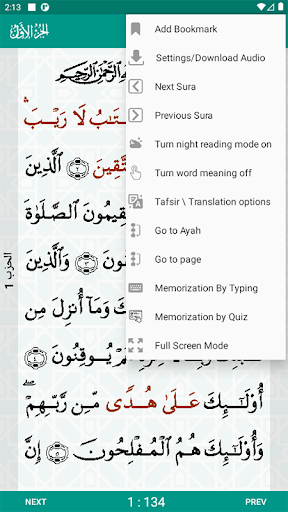
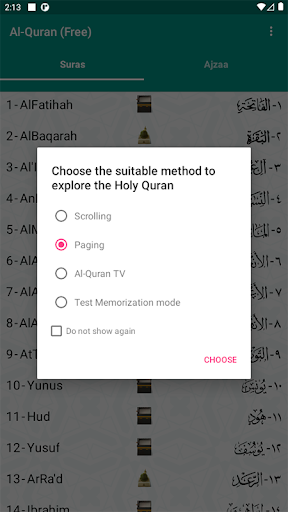
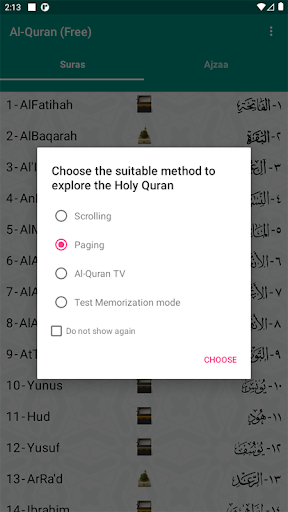
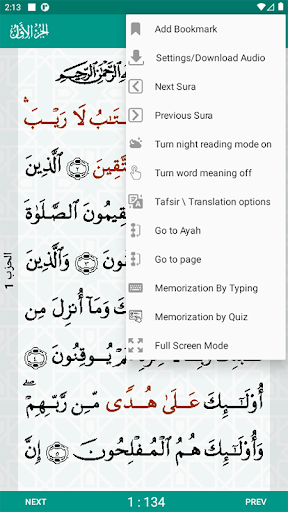
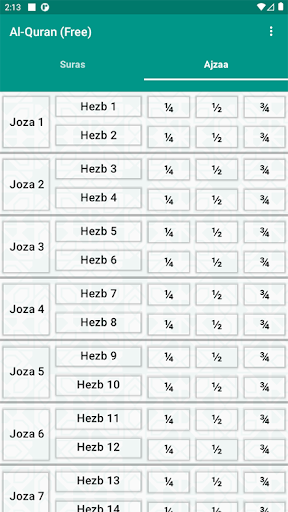
Users can read the Quran with an Othomani font designed to resemble printed versions. The app facilitates navigation through the text, allowing users to browse either by Suras or by Ajzaa. Three distinct browsing methods are available: traditional scrolling, page-by-page viewing, or an interactive Al-Quran TV mode. For convenience, the app automatically opens to the user’s last reading position, and specific Ayahs can be bookmarked for future reference.
Enhancing Understanding and Study
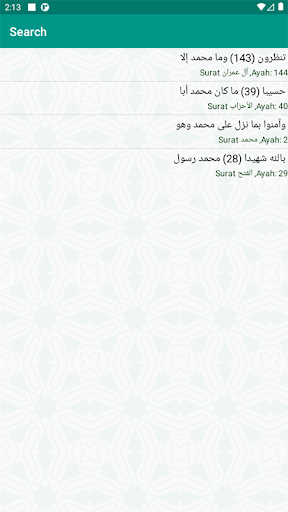
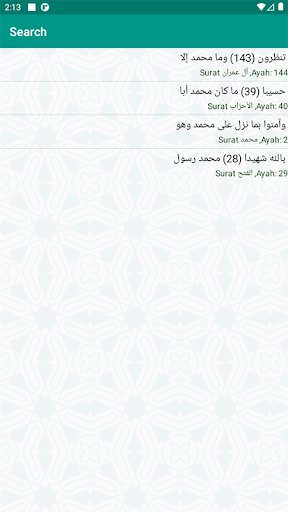
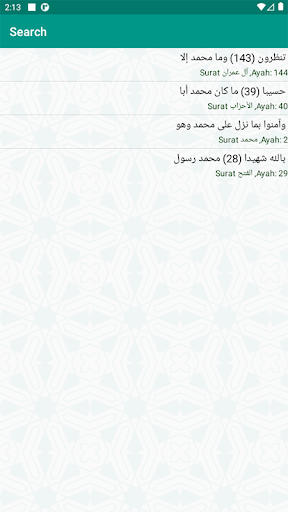
To aid comprehension, Al-Quran (Free) allows users to tap on difficult words to reveal their meanings. A comprehensive study feature is the inclusion of a wide range of Tafsir (explanations), such as Tafsir al-Qurtubi and Tafsir al-Kashshaf, which can be displayed for selected Ayahs. Additionally, the app includes a search function to find any word or part of a word across the entire Holy Quran or within a specific Surah.
Audio Recitation and Memorization Aids
The app supports audio recitation with a selection of sixteen different Qaris, including prominent names like Abd al-Basit Abd al-Samad, Mishary Rashid Al-Afasy, and Abdul Rahman Al-Sudais. This feature is further enhanced by tools designed for memorization, allowing users to repeat entire Surahs, Ajzaa, Ahzab, or even specific Ayahs multiple times. Users can select one or more Ayahs for focused repetition.
Customization for Reading Comfort
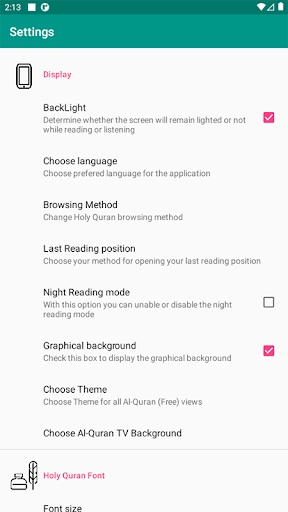
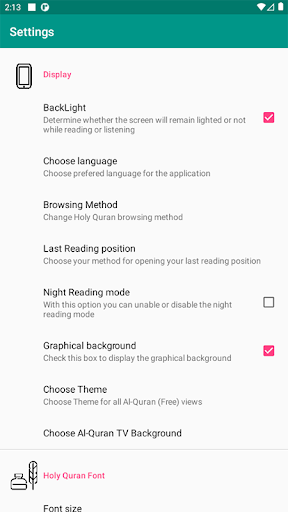
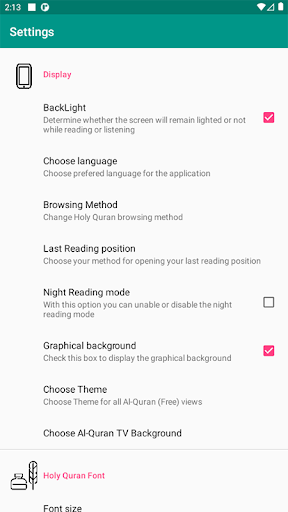
To optimize the reading experience, the app provides several customization options. Users can adjust the font size by zooming in or out to suit their vision and device screen. Reading comfort is also addressed with a night mode feature and the ability to control the mobile device’s backlight directly within the app. Furthermore, the interface language can be chosen, and the visual presentation of the Quran text is highly customizable, offering choices for graphical backgrounds, application themes, Quranic text color, and options to add borders or make the text bold. For the Al-Quran TV mode, users can also select an animated background.







Write a review